Die besten Blender-Add-ons für Hard-Surface-Modellierung
Hard-surface work in Blender comes down to three jobs: cutting shapes with booleans, cleaning up the result, and adding detail. Each add-on below is good at one of them.
Within each group the order follows sales on Superhive or downloads on Blender Extensions. Prices, ratings and Blender versions are read from the product pages every day. Updated 2026-11-27.
Cutting shapes
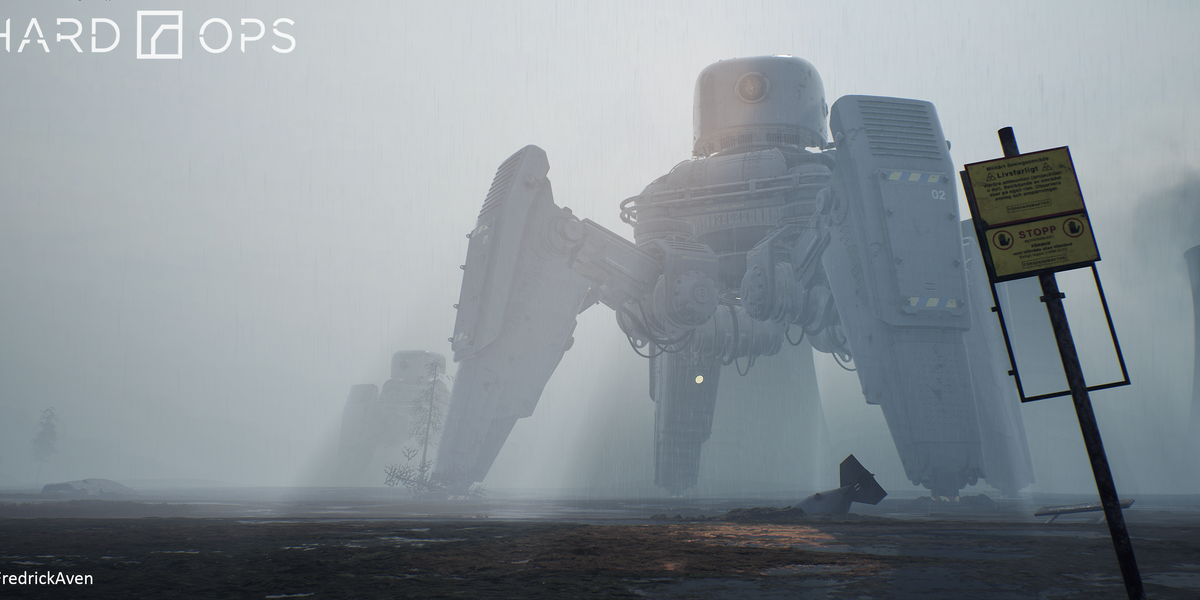
Hard Ops / Boxcutter Ultimate Bundle
von TeamC
Two add-ons sold together. Boxcutter draws cutters straight in the viewport: boxes, circles, polygons and custom shapes. Hard Ops handles what comes after: bevels, sharpening, mirroring and keeping the modifier stack in order. The bundle costs less than buying Boxcutter and Hard Ops separately.
$38Blender 3.5 – 5.248500+ Verkäufe★ 5 (138)
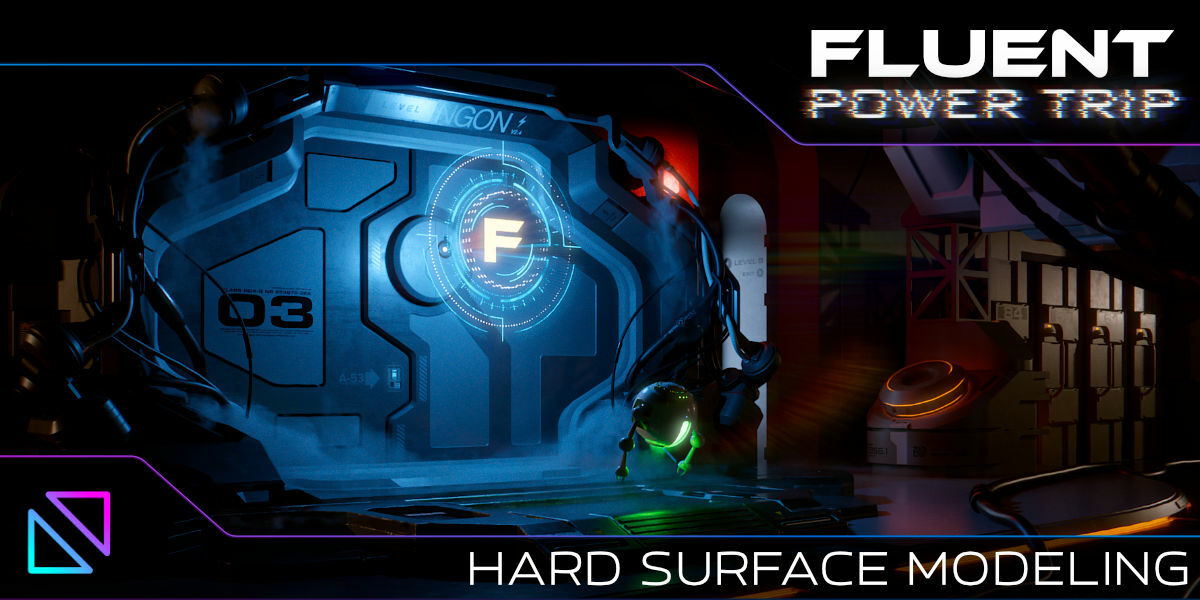
Fluent 4 - Hard surface modeling tool suite
von CG Thoughts
A boolean tool built around drawing a shape on a surface and adjusting it afterwards, with everything kept non-destructive. Often chosen as the lighter alternative to the Hard Ops and Boxcutter pair.
$20Blender 3.6 – 5.116100+ Verkäufe★ 5 (130)
gibt Blender 5.2 noch nicht an

Grid Modeler
von KushiroCG
Draws cuts and new geometry on a grid that sits on the face you pick, so sizes and spacing stay exact. Good when a design needs measured, repeated cuts instead of freehand ones.
$20Blender 2.83 – 5.27600+ Verkäufe★ 5 (38)
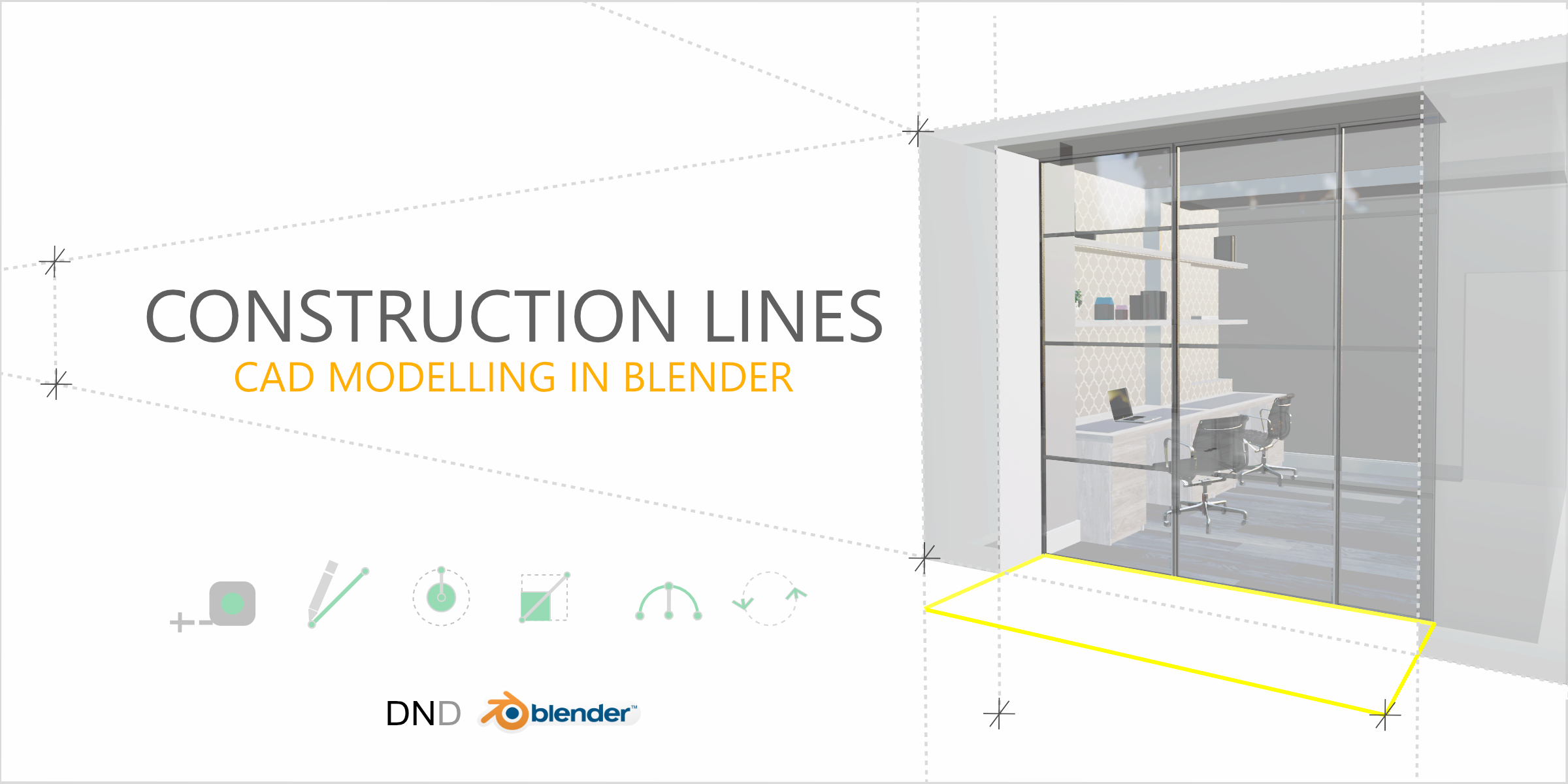
Construction Lines - Accurate CAD Modelling Add-on For Blender
von Dan Norris
CAD-style guides, snapping and typed dimensions. For people who come from SketchUp or CAD and want to model to measurements.
$11Blender 3.6 – 5.37400+ Verkäufe★ 4 (55)
Cleaning up the mesh
MESHmachine
von MACHIN3
Works on the mesh itself instead of on modifiers. It turns bevels into chamfers and back, rebuilds them at a new width, fixes the shading around boolean cuts and adds ready-made details called plugs. The usual next step once you start applying booleans.
$44.99Blender 4.2 – 5.324100+ Verkäufe★ 5 (109)
Adding detail
DECALmachine
von MACHIN3
Adds panel lines, bolts, vents and labels as decals that sit on the surface, so the detail costs no extra geometry. Decals can be baked or packed into an atlas for game engines.
$54.99Blender 4.3 – 5.115900+ Verkäufe★ 5 (100)
gibt Blender 5.2 noch nicht an

Random Flow
von Blender Guppy
Generates random panels, cuts and surface detail from a selection. Made for fast concept work where the exact layout does not matter.
$15Blender 3.6 – 5.314600+ Verkäufe★ 5 (54)

Plating Generator and Greebles
von Mark Kingsnorth
Makes hull plating patterns and greebles on existing meshes. The typical use is spaceships and large mechanical surfaces.
$30Blender 2.8 – 5.35100+ Verkäufe★ 5 (50)
Kostenlos

Bool Tool
von nickberckley
The boolean add-on that used to ship with Blender, now on Blender Extensions. Quick boolean shortcuts and brush-style cutters. Enough to learn the workflow before you pay for anything.
KostenlosBlender 4.5 und neuer1.3M Downloads★ 5.0 (65)

ND
von HugeMenace
A free non-destructive modeling toolkit built on booleans, bevels and modifiers. The closest free match to the paid boolean suites.
KostenlosBlender 4.2 und neuer115K Downloads★ 5.0 (140)
LoopTools
von Community
Not a hard-surface tool as such, but Circle, Relax, Bridge and Flatten get used all the time when cleaning up cuts.
KostenlosBlender 4.2 und neuer2.4M Downloads★ 5.0 (150)
So wählst du
If you want one purchase, the Hard Ops and Boxcutter bundle is where most people start. Add MESHmachine when you begin applying booleans and fixing the result by hand. Decals and generators come later, when the base shapes are no longer the slow part.
Not sure yet? Bool Tool and ND are free and teach the same way of working.